The product
Here's exactly what MeetTwig does — today.
No vague promises. This page covers what's live right now and what's still on the roadmap, clearly labeled as one or the other.
Getting your transcript in
MeetTwig doesn't join your calls or record anything automatically — not yet. You bring the transcript. Paste it straight into the text field, or upload a .txt file up to 512 KB. Whichever you use, give the meeting a title and a date so it's easy to find later.
If you add both a pasted transcript and an uploaded file, the uploaded file is used.

What happens when MeetTwig analyzes your transcript
Once you submit a meeting, MeetTwig reads the full transcript and produces five things:
- Summary — A 2–4 sentence overview of what the meeting covered.
- Action Items — Tasks pulled from the conversation, each with an owner and a deadline when one is mentioned.
- Decisions — What the meeting concluded or resolved.
- Agreements — What participants committed to — a mutual commitment, not the same as a decision.
- Key Moments — Specific points in the conversation worth revisiting, referenced back to where they occur in the transcript.
When an OpenAI API key is configured, MeetTwig uses OpenAI to generate this report. If no key is configured, MeetTwig uses a built-in analysis engine that reads your transcript directly and produces a real, usable report from it — you'll still get a complete report either way. We don't show you a broken page if the AI provider is unavailable; you always get a result.
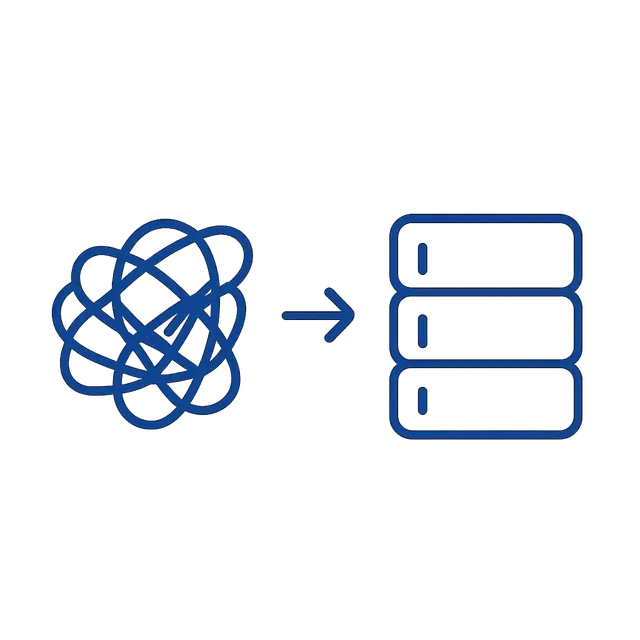
Find any meeting again, fast
Every meeting you process is saved to your account. Search looks across the title, the full transcript, the summary, the decisions, and the action items — not just the meeting name. If you remember one phrase from a call but not what you titled it, search will still find it.

Who can see your meetings
Only you. Every meeting is tied to your account, and the app is built so no other user — and no admin action outside of support — can view your transcripts or reports. Your transcript is sent to OpenAI to generate the report (when a key is configured) and stored afterward in your account. We don't sell it, and we don't use it to train anyone else's product.

What's Next
What's coming next
MeetTwig is built around paste-or-upload input first. The integrations below are on our roadmap and aren't live yet.
Questions
Frequently asked questions
Not yet. Right now, you paste or upload the transcript after your call ends. Zoom recording is on the roadmap above.
.txt files only, up to 512 KB.
Key Moments will still be generated based on where things happen in the text — you just won't get exact clock times for each one.
No. Search checks the title, the transcript, the summary, the decisions, and the action items.
A decision is what the meeting concluded ("we're moving forward with Option B"). An agreement is a mutual commitment participants made ("both teams will send weekly updates"). MeetTwig reports them separately so you have a clear record of both.